
Replace paper sign-in
Leave the paper book behind.
Make every welcome easier.
Welcome visitors with QR code or iPad check-in. Notify their host and keep a searchable record of arrivals — without the handwriting, loose pages or manual follow-up.
30-day free trial · No credit card required
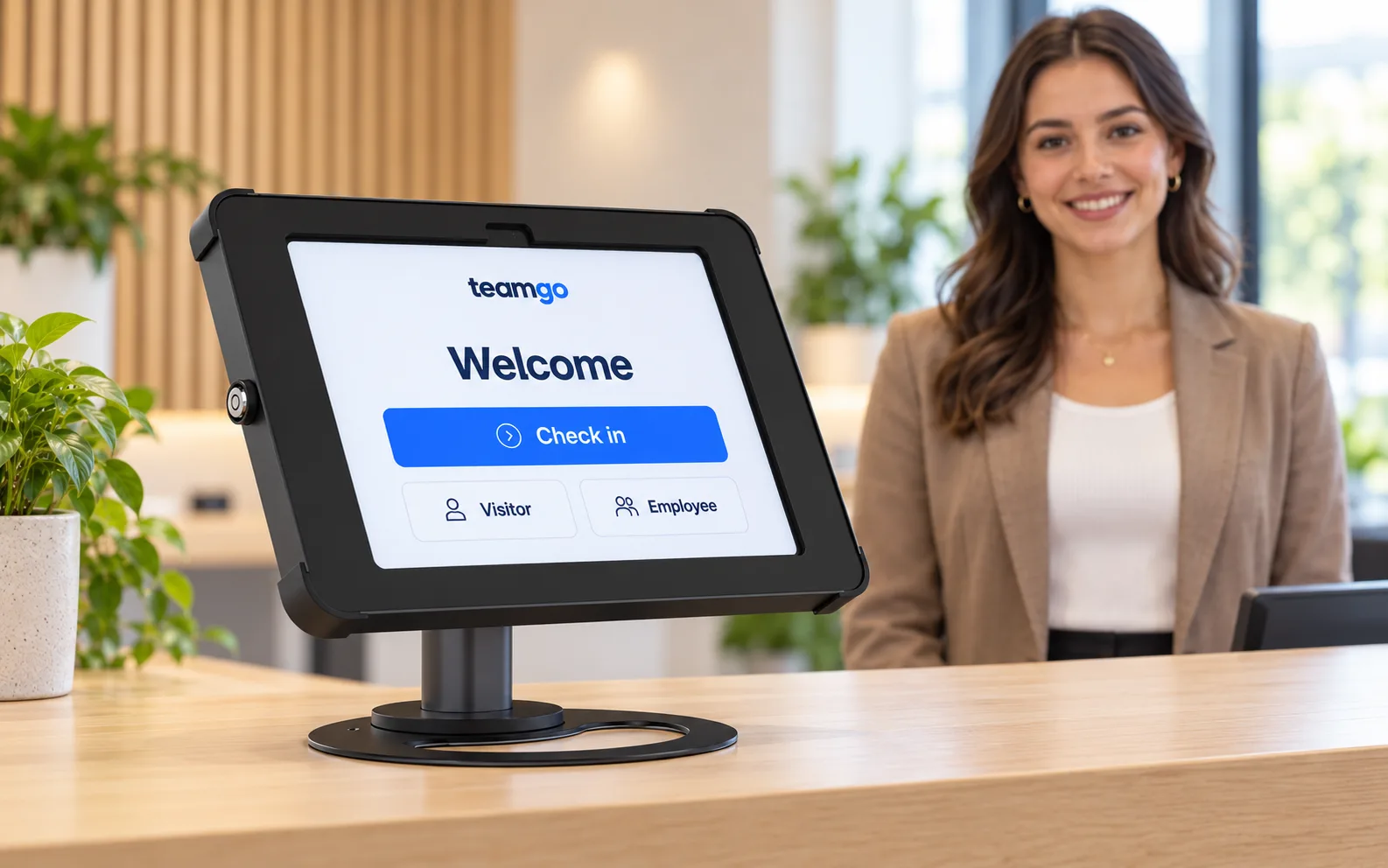
A familiar welcome. A simpler sign-in.
Trusted by workplaces across Australia and beyond








A simpler everyday routine
Less paperwork at the front desk.
Keep the personal welcome. Give your team a better way to manage the details.
Paper to digital
Same front door. A better process.
See what changes when your visitor book becomes a digital check-in.
| Everyday task | Paper sign-in book | With Teamgo |
|---|---|---|
| Welcoming a visitor | Handwrite details in a shared book. | Enter details through QR code or kiosk check-in. |
| Letting a host know | Call, message or find the host manually. | Send an automatic arrival notification. |
| Finding an earlier visit | Search through handwritten pages. | Search and filter digital visitor records. |
| Checking who is signed in | Work through entries and sign-out notes. | View current sign-in records in the dashboard. |
| Keeping visitor details private | Previous entries can be visible on the page. | Collect details without displaying the previous visitor’s entry. |
Accurate onsite records depend on people signing in and out. Include both steps in your visitor process.
Start with one reception
A practical first step towards paperless arrivals.
Use the free trial to see how digital check-in fits your workplace, then plan your rollout.
01
Set up your welcome
Choose a location, add your hosts and decide which details visitors need to provide.
02
Choose how people sign in
Display a QR code for smartphone check-in, or set up an iPad kiosk at reception.
03
Try it with your team
Test an arrival, check the host notification and review the visitor record before inviting more people to use it.
Before you make the switch
Your paperless sign-in questions, answered.
A few things to know before you retire the visitor book.
Do I need to buy a kiosk?
You can start with QR code check-in using a visitor’s smartphone. For a shared reception sign-in point, use a supported iPad kiosk. Explore hardware options if you need a stand or other accessories.
Can we ask our own sign-in questions?
You can configure your sign-in process to collect the details your workplace needs. During your trial, test your questions and any screening or document steps with your team.
Can we see who is currently signed in?
The dashboard shows current sign-in records. Ask visitors to sign out when they leave, and make sign-out part of your reception process so the list stays useful.
What happens after the trial?
Review how the trial worked for your reception team, then choose a plan for your locations and requirements. View plans and pricing or book a demo to talk through your needs.
Make the next arrival simpler
Your next visitor doesn’t need a paper book.
Try digital check-in at your workplace and see the difference at reception.
30-day free trial · No credit card required