
Asset Booking Software for Shared Workplace Resources
Easily reserve shared equipment, vehicles and workplace resources with an intelligent asset booking system that improves availability, accountability and workplace efficiency.
Reserve shared equipment, vehicles and workplace resources from a central booking system.
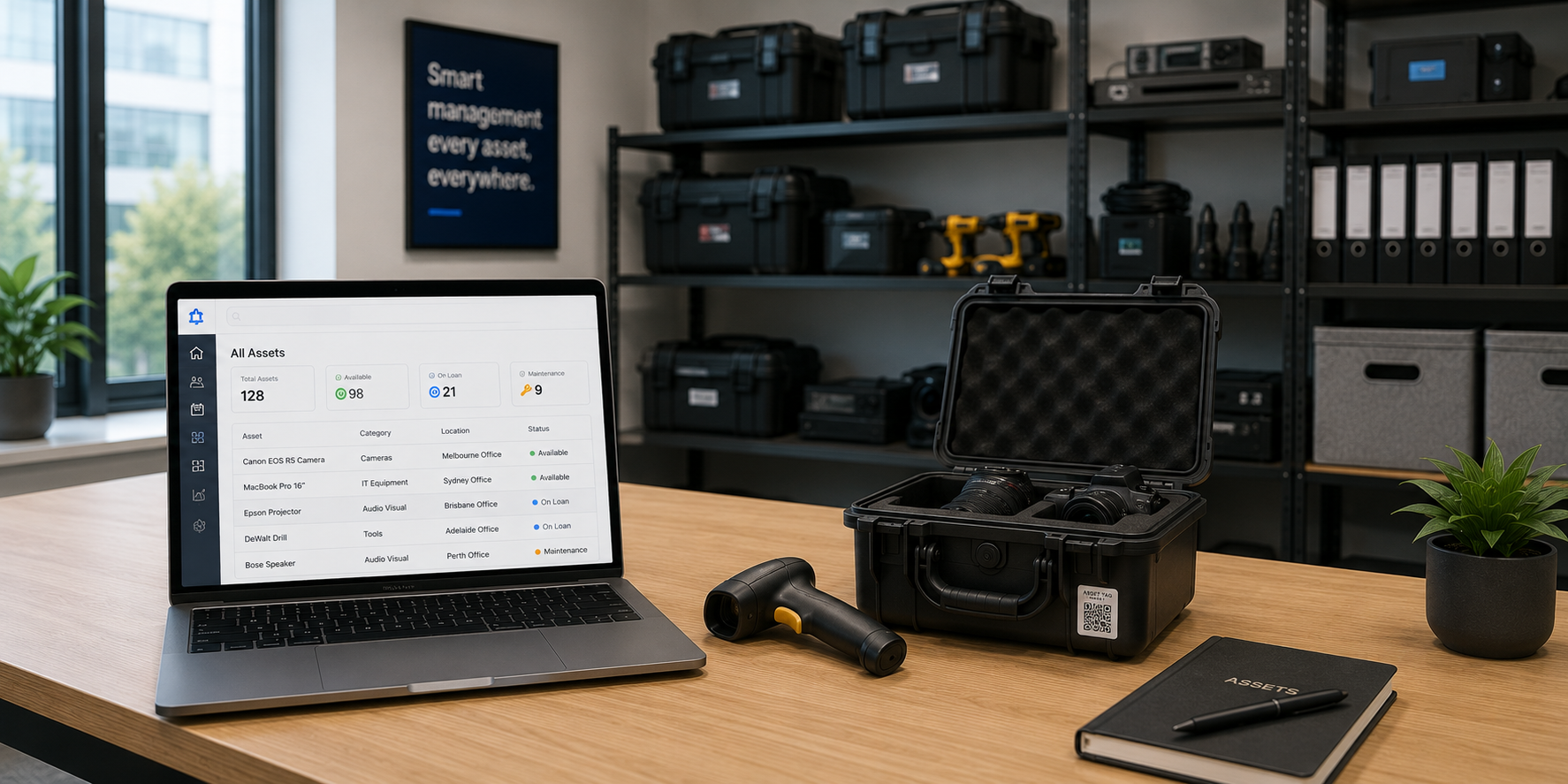
Built on the Teamgo core platform
Teamgo Asset Booking is an optional product available with the Teamgo Visitor Management platform. An active Teamgo subscription is required.
Why organisations use Asset Booking
Reserve shared assets with ease
Quickly find and reserve available workplace resources whenever they are needed.
Prevent booking conflicts
Real-time availability reduces double bookings and scheduling issues.
Maximise asset utilisation
Improve visibility into how business equipment is being used across your organisation.
Improve accountability
Track bookings and understand who has reserved shared workplace resources.
Manage multiple locations
Book and manage assets across offices, facilities and business locations from one platform.
Integrated workplace management
Combine asset bookings with visitor management, desk booking and meeting room reservations within the Teamgo platform.
What is included
10 Features included
Asset Reservations
Reserve shared business equipment before it is needed.
Equipment Booking
Book laptops, projectors, tools and other workplace equipment.
Pool Vehicle Booking
Manage bookings for shared company vehicles from one central system.
Resource Availability
Check real-time availability of shared workplace resources.
Booking Calendar
View current and future asset bookings through an easy-to-use calendar.
Asset Booking Permissions
Control which users can reserve specific workplace assets.
Asset Categories
Organise assets into logical groups for simpler management.
Asset Locations
Track which office or location each shared asset belongs to.
Booking History
Maintain a history of asset bookings for auditing and reporting.
Asset Utilisation Reports
Review how shared assets are being used to improve resource planning.
How Asset Booking works
- 1
Register Assets
Create shared workplace assets, equipment and resources within Teamgo.
- 2
Configure Availability
Define booking rules, availability periods and user permissions.
- 3
Reserve an Asset
Employees browse available assets and reserve the equipment they need.
- 4
Manage Bookings
Bookings can be updated or cancelled as workplace requirements change.
- 5
Monitor Resource Usage
Administrators review booking activity and utilisation to help optimise workplace resources.
About Asset Booking
Many organisations rely on shared business assets that are regularly used by different employees, teams or departments. Without a central booking system, equipment can become difficult to locate, unavailable when needed or unintentionally double booked, leading to unnecessary delays and reduced productivity.
Teamgo Asset Booking provides a centralised platform for reserving workplace assets before they are required. Employees can quickly view availability, reserve resources for specific dates and times, and manage their bookings through an intuitive interface. Administrators maintain visibility of all bookings, helping ensure valuable equipment is allocated efficiently and used responsibly.
The product is suitable for managing a wide variety of shared workplace resources including laptops, presentation equipment, mobile devices, pool vehicles, tools, testing equipment, visitor devices and other business assets that require scheduled access.
As part of the Teamgo Workplace Management platform, Asset Booking integrates naturally alongside visitor management, meeting room bookings and desk reservations, providing organisations with one platform to manage their workplace resources.
Asset Booking at a glance
- Product type
- Product
- Status
- Live
- Linked capabilities
- 10
Availability
Compatible with the Teamgo core platform and configurable according to your selected subscription and module package.
Flexible pricing for Asset Booking
Teamgo Asset Booking is available as an optional product and can be added to your Teamgo subscription at any time. Contact our team to discuss pricing and the best configuration for your organisation.
Related Teamgo Products
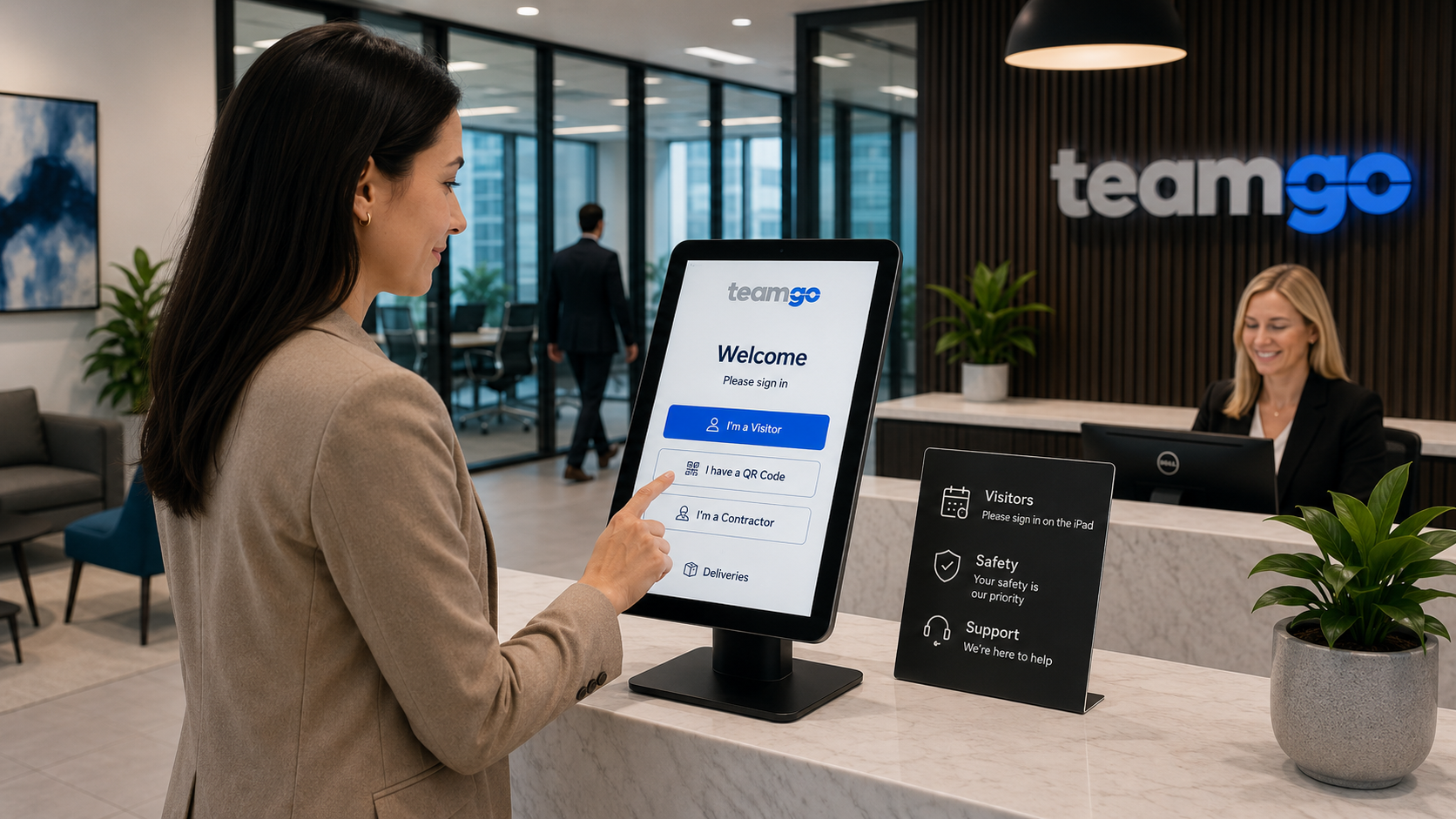
Visitor Management
Secure visitor management for modern workplaces with digital check-in, compliance and workplace safety.
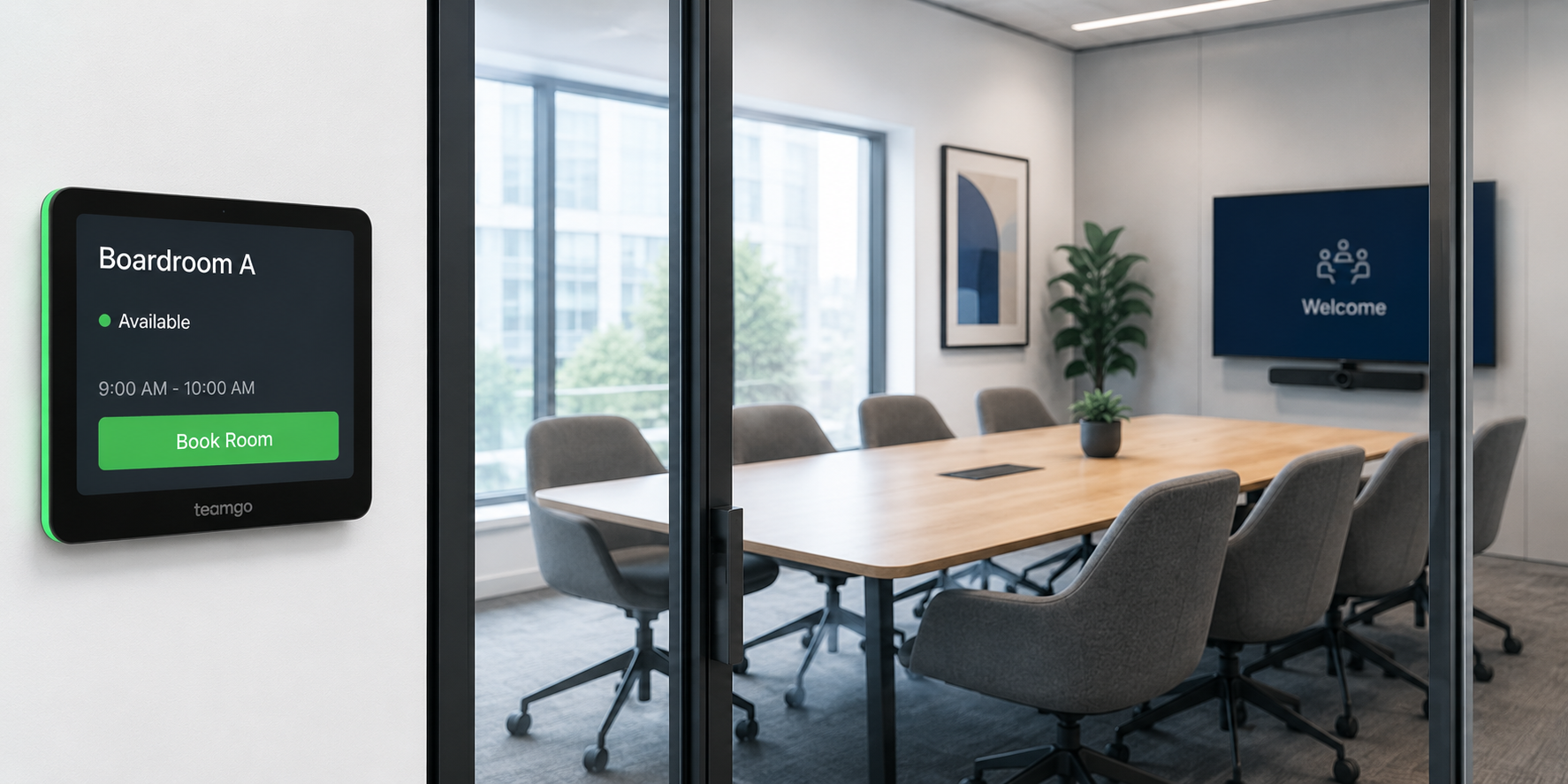
Room Booking
Book meeting rooms with live availability, smart scheduling and seamless workplace collaboration.
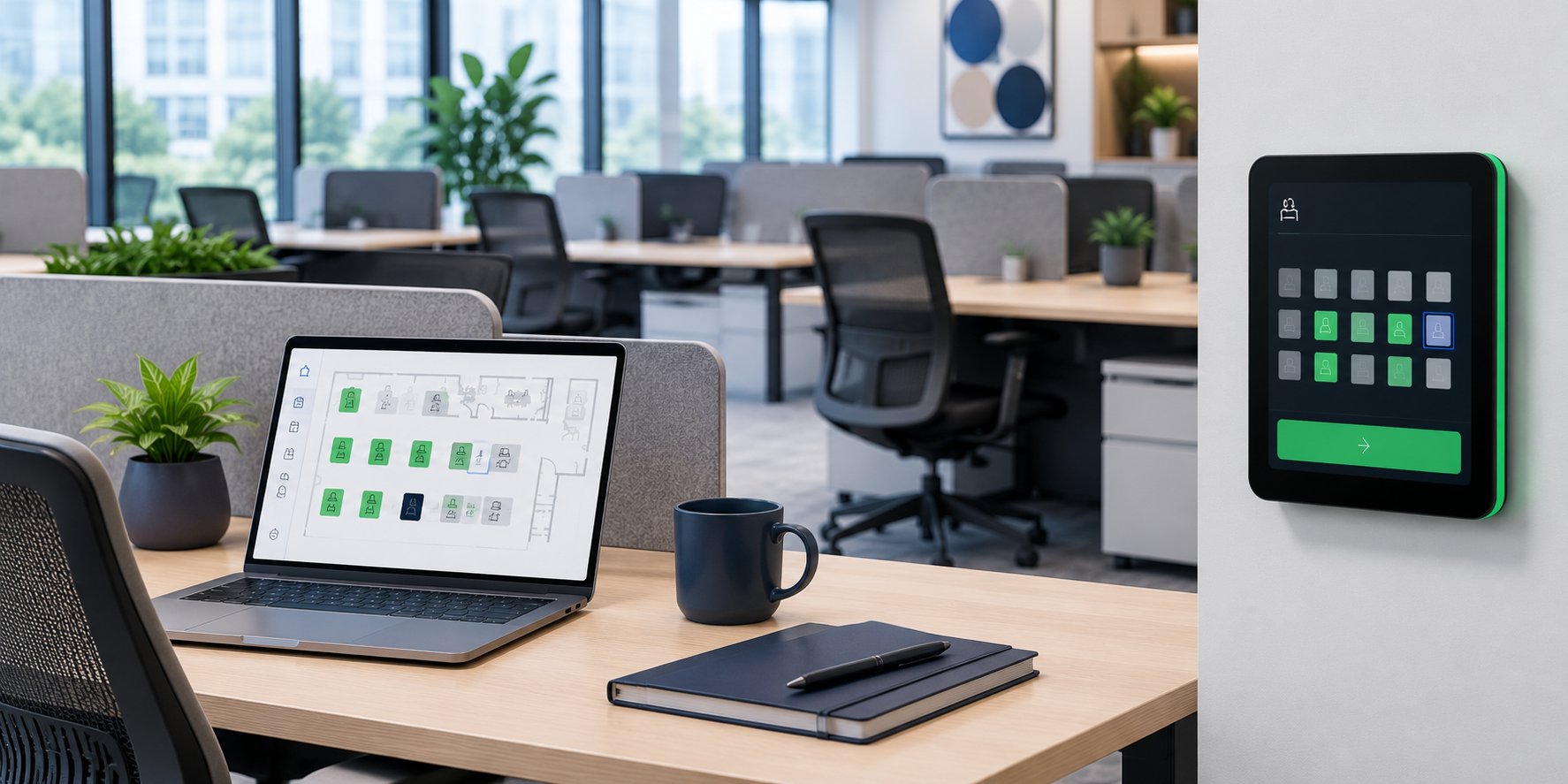
Desk Booking
Manage flexible desks for hybrid teams with simple workspace booking and availability.
Frequently asked questions
What types of assets can be booked?
Teamgo Asset Booking can manage a wide range of shared workplace resources including laptops, projectors, presentation equipment, pool vehicles, mobile devices, testing equipment, tools and other business assets that require scheduled access.
Can multiple employees reserve the same asset?
No. Once an asset has been booked for a specific time, it becomes unavailable to other users during that booking period, preventing scheduling conflicts.
Can we manage assets across multiple office locations?
Yes. Assets can be organised by office, building or location, allowing organisations to manage shared resources across multiple sites from one platform.
Can administrators control who can book certain assets?
Yes. Booking permissions can be configured to ensure only authorised users or teams can reserve selected workplace resources.
Can bookings be changed or cancelled?
Yes. Employees can modify or cancel bookings when plans change, helping keep asset availability accurate and up to date.
Can Asset Booking integrate with other Teamgo products?
Yes. Asset Booking forms part of the Teamgo Workplace Management platform and integrates with Visitor Management, Meeting Room Booking, Desk Booking and other Teamgo workplace products.
Is Asset Booking suitable for enterprise organisations?
Yes. The product is designed to scale from small businesses through to large organisations managing extensive shared workplace resources across multiple locations.
Can we monitor asset utilisation?
Yes. Administrators can review booking activity and utilisation information to better understand how shared workplace assets are being used and identify opportunities to improve efficiency.
Plan your Asset Booking experience with Teamgo
Explore the documentation or speak with Teamgo about configuration, availability and your workplace requirements.

Australian Company
Proudly Australian technology company specialising in Visitor Management software and applications.

Amazon Web Services
You expect the best and we rely on the best with cloud hosting and security provided by Amazon AWS Australia.

Fanatical Support
24/7 support available and experienced account managers on standby - we provide hands on customer assistance.