
Meeting Room Booking Software for Modern Workplaces
Easily book meeting rooms, boardrooms and shared spaces with an intelligent room booking system that helps your workplace stay organised, improve collaboration and maximise room utilisation.
Book meeting rooms with live availability, smart scheduling and seamless workplace collaboration.
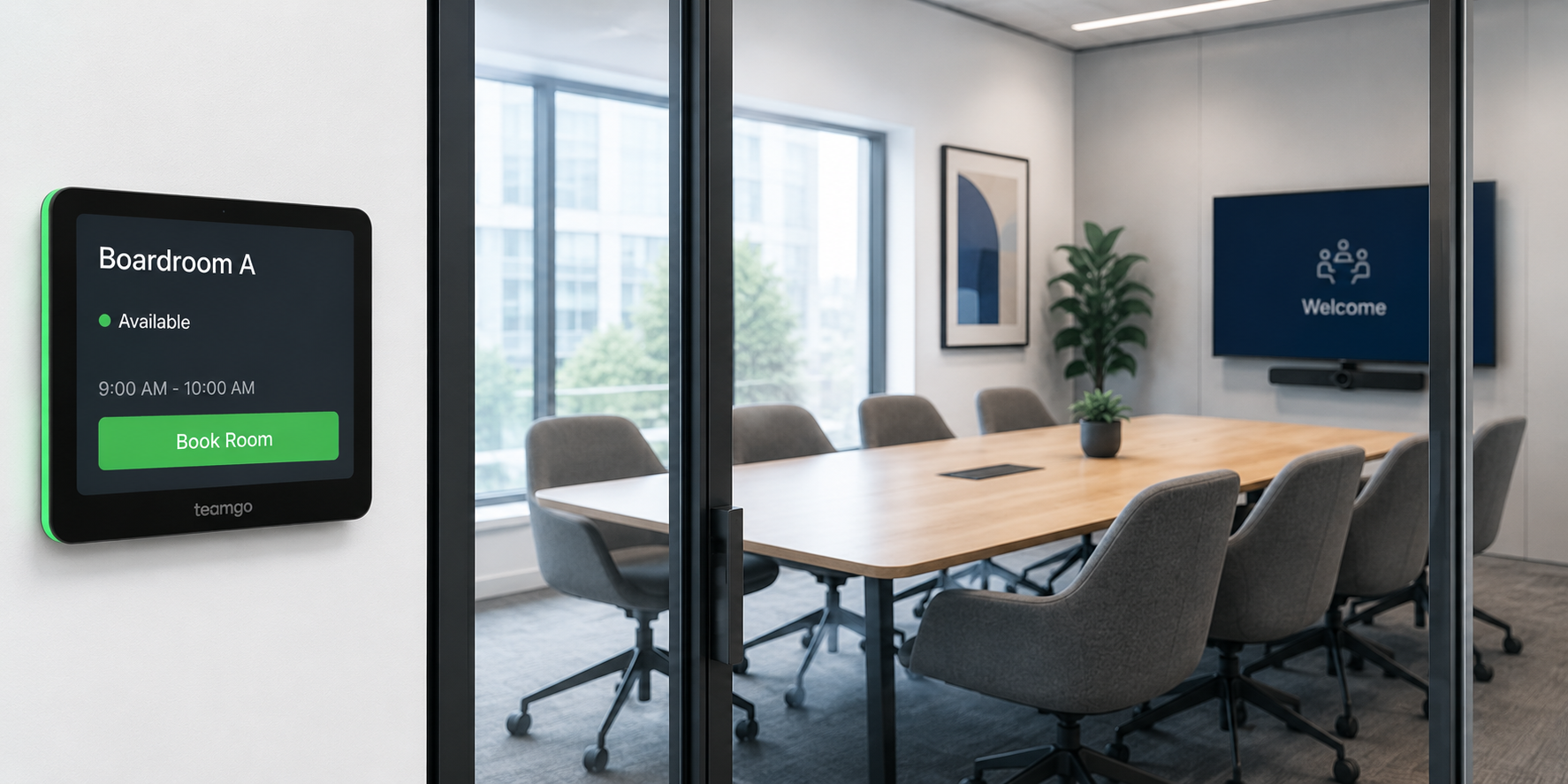
Built on the Teamgo core platform
Teamgo Room Booking is an optional product available with the Teamgo Visitor Management platform. An active Teamgo subscription is required.
Why organisations use Room Booking
Reserve meeting rooms in seconds
Quickly find available rooms and create bookings through a simple and intuitive interface.
Prevent double bookings
Real-time availability ensures meeting rooms cannot be accidentally booked by multiple users.
Improve room utilisation
Gain better visibility into how meeting spaces are being used and identify underutilised rooms.
Enhance the visitor experience
Link room bookings with visitor pre-registration to create a seamless arrival experience for guests.
Manage multiple locations
Book and manage meeting rooms across multiple offices, campuses or facilities from one platform.
Fully integrated workplace management
Combine room bookings with visitor management, employee management and workplace services within a single platform.
What is included
11 Features included
Meeting Room Booking
Allow employees to reserve meeting rooms quickly and easily from a central booking system.
Live Room Availability
View real-time room availability to prevent booking conflicts and improve scheduling.
Room Booking Calendar
Browse daily, weekly or monthly room bookings through an intuitive calendar view.
Recurring Bookings
Schedule regular meetings automatically without creating each booking individually.
Room Capacity
Display room capacity to help employees choose the right meeting space.
Room Categories
Organise rooms by building, location, floor or room type for easier management.
Multi-location Rooms
Manage meeting rooms across multiple offices and business locations from one platform.
Room Booking Permissions
Control which users can book, modify or manage individual meeting rooms.
Booking Notifications
Automatically notify organisers about booking confirmations, updates and reminders.
Visitor Linked Meetings
Link room bookings with visitor registrations to streamline the arrival experience.
Room Utilisation Reports
Monitor room usage and identify opportunities to optimise meeting space utilisation.
How Room Booking works
- 1
Configure Meeting Rooms
Create meeting rooms, boardrooms, collaboration spaces and training rooms, including capacities, locations and room details.
- 2
Set Booking Rules
Configure booking permissions, room availability, access rules and optional approval requirements.
- 3
Reserve a Room
Employees can instantly view availability and reserve the most suitable meeting room for their event.
- 4
Manage Your Booking
Bookings can be updated or cancelled as plans change, with automatic notifications keeping everyone informed.
- 5
Monitor Usage
Administrators can review room utilisation, booking history and usage trends to optimise workplace resources.
About Room Booking
Meeting rooms are one of the most frequently shared resources within any workplace. Without a dedicated booking system, organisations often rely on calendars, spreadsheets or manual processes that can lead to double bookings, unused meeting spaces and unnecessary administrative effort.
Teamgo Rooms provides a modern meeting room booking solution that gives employees real-time visibility of room availability and allows them to reserve spaces in seconds. Administrators can configure room details, capacities, booking permissions and availability rules while maintaining complete visibility across one or multiple office locations.
Because Teamgo Rooms is built into the Teamgo Workplace Management platform, it integrates naturally with visitor management, employee management and workplace services. Visitors attending meetings can be pre-registered, hosts can receive automatic notifications and organisations gain valuable reporting into how meeting spaces are being used.
Whether your organisation has a handful of meeting rooms or hundreds of shared spaces across multiple offices, Teamgo Rooms provides a scalable solution that improves workplace efficiency while delivering a better experience for both employees and visitors.
Room Booking at a glance
- Product type
- Product
- Status
- Live
- Linked capabilities
- 11
Availability
Compatible with the Teamgo core platform and configurable according to your selected subscription and module package.
Flexible pricing for Room Booking
Teamgo Rooms is available as an optional product and can be added to your Teamgo subscription at any time. Contact our team for pricing or discuss the best configuration for your workplace.
Related Teamgo Products
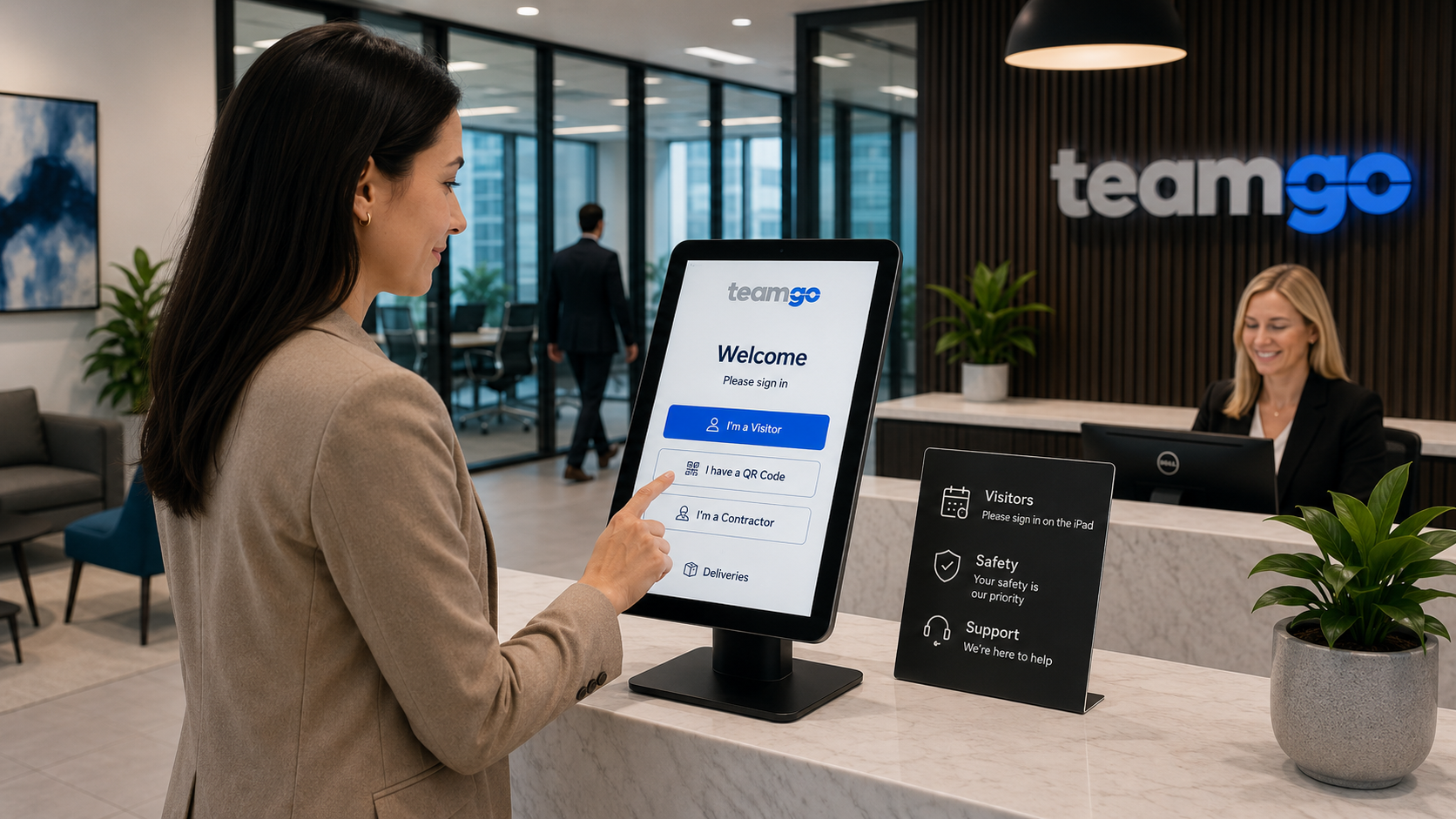
Visitor Management
Secure visitor management for modern workplaces with digital check-in, compliance and workplace safety.
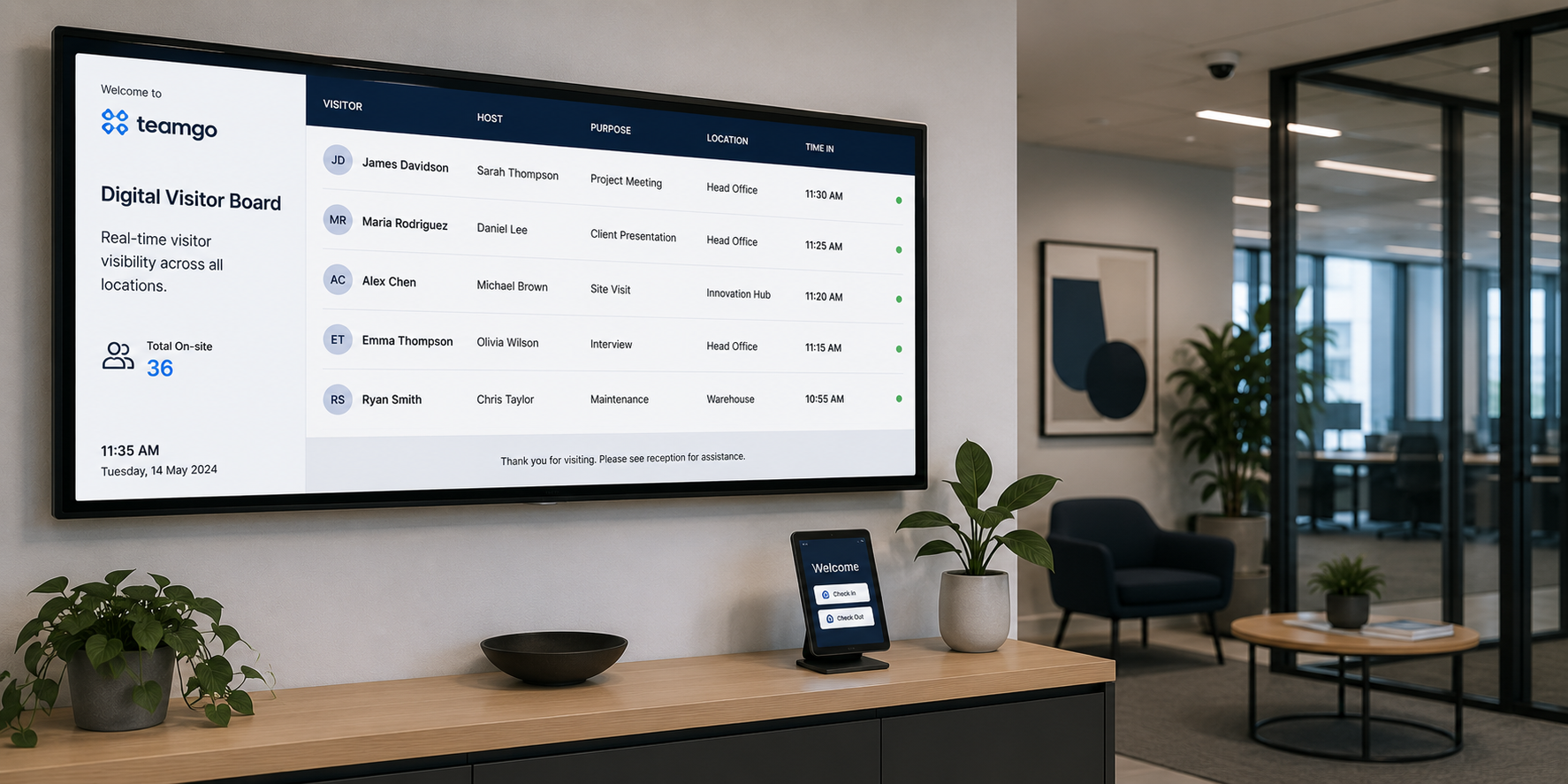
Digital Visitor Display
Display live visitor arrivals, departures and reception information on digital displays.
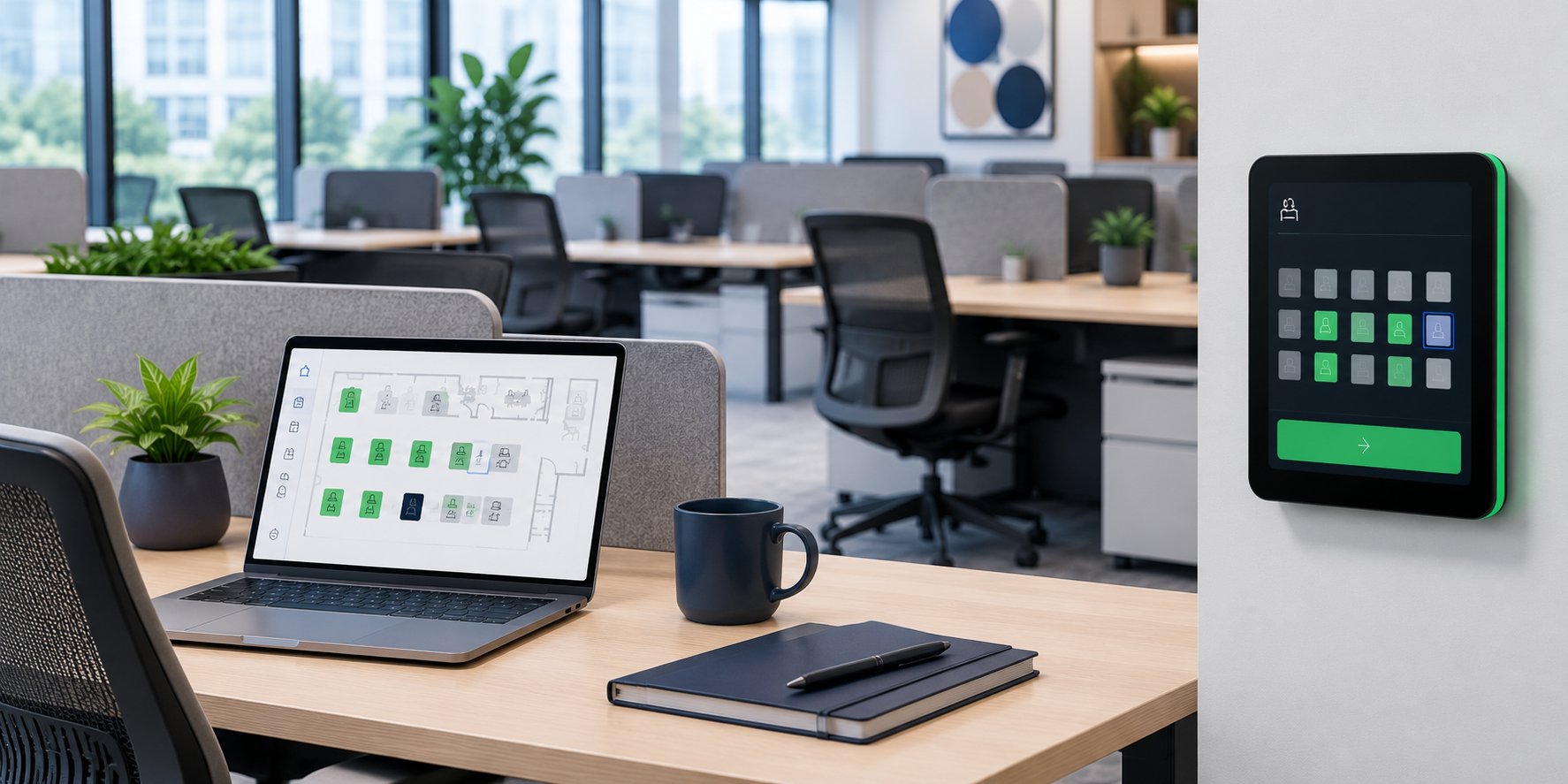
Desk Booking
Manage flexible desks for hybrid teams with simple workspace booking and availability.
Frequently asked questions
Lorem ipsum dolor sit amet, consectetur adipiscing elit, sed do eiusmod tempor incididunt ut labore et dolore magna aliqua. Ut enim ad minim veniam, quis nostrud exercitation ullamco laboris nisi ut aliquip ex ea commodo consequat.
Can employees book meeting rooms themselves?
Yes. Employees can view available rooms, create bookings, modify existing reservations and cancel bookings based on the permissions assigned by your organisation.
Can Teamgo Rooms prevent double bookings?
Yes. Room availability is updated in real time, ensuring that once a room is booked for a specific time, it cannot be reserved by another user for the same period.
Can room bookings be linked with visitors?
Yes. Because Teamgo Rooms integrates with Teamgo Visitor Management, meetings involving external visitors can be linked with visitor pre-registration, allowing guests to receive invitations, complete any required information before arrival and enjoy a faster check-in experience.
Can we manage multiple office locations?
Yes. Teamgo Rooms supports organisations with multiple offices, buildings or campuses, allowing administrators to organise and manage meeting rooms across all locations from a central platform.
Can different rooms have different booking rules?
Yes. Individual rooms can have their own booking permissions, capacities, availability schedules and usage rules to suit different workplace requirements.
Can recurring meetings be scheduled?
Yes. Teamgo Rooms supports recurring bookings, making it easy to schedule regular team meetings, training sessions and ongoing events without creating each booking individually.
Is Teamgo Rooms suitable for enterprise organisations?
Yes. Teamgo Rooms is designed to scale from small businesses through to large enterprise organisations managing hundreds of meeting rooms across multiple sites.
Can we generate reports on meeting room usage?
Yes. Administrators can access reporting and utilisation data to better understand how meeting rooms are being used and identify opportunities to improve workplace efficiency.
Plan your Room Booking experience with Teamgo
Explore the documentation or speak with Teamgo about configuration, availability and your workplace requirements.

Australian Company
Proudly Australian technology company specialising in Visitor Management software and applications.

Amazon Web Services
You expect the best and we rely on the best with cloud hosting and security provided by Amazon AWS Australia.

Fanatical Support
24/7 support available and experienced account managers on standby - we provide hands on customer assistance.