A visitor registration system records who is visiting a workplace, who they are meeting and when they arrive and leave. A digital system can connect that record with invitations, check-in forms, host notifications and visitor badges, so reception staff do not have to manage each step separately.
The right setup depends on your visitors and site requirements. A small office may need a straightforward sign-in and notification process. A site receiving contractors may need additional documents and checks before a visit can proceed. This guide explains the workflow and the questions to ask before choosing software.
What is a visitor registration system?
Visitor registration is the process of collecting the information needed for a visit. It can happen before arrival through an invitation or when someone reaches reception. A visitor registration system stores that information and helps staff manage the visit from arrival through departure.
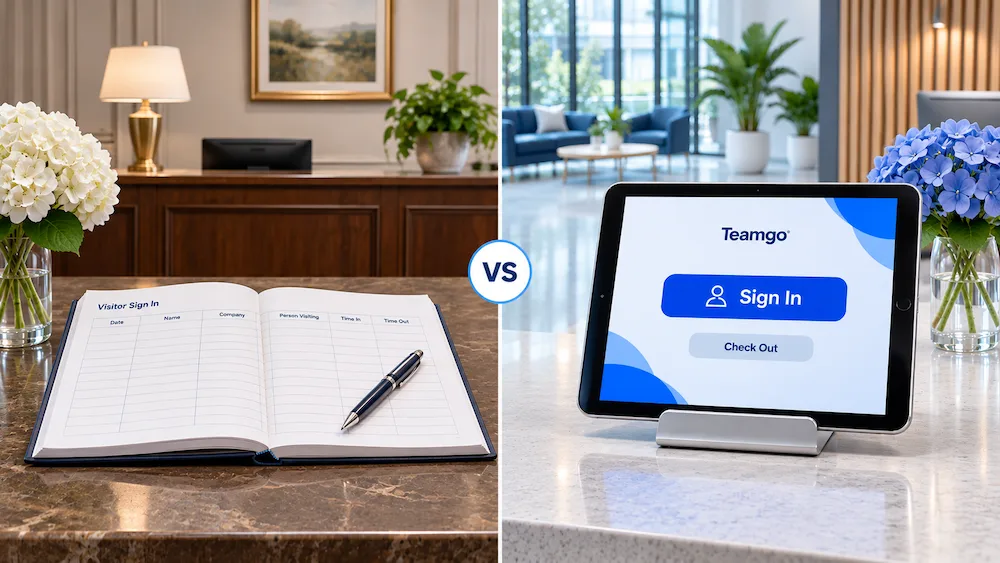
A paper visitor book can record names and times, but staff still need to contact hosts, find earlier records and manage the book. Digital registration can bring those tasks into one workflow. It does not replace your organisation’s decisions about access, privacy or emergency procedures.
Registration, pre-registration and visitor management: what is the difference?
- Registration collects the details needed to identify and organise a visit.
- Pre-registration collects some of those details before the visitor arrives, often through an invitation or form.
- Check-in records that the visitor has actually arrived. An invitation alone does not confirm someone is on site.
- Visitor management is the broader process, including invitations, registration, arrival notifications, departure records and reporting.
For the broader picture, read our guide to visitor management.
How a digital visitor registration workflow works
1. Invite the visitor or welcome a walk-in
For an expected visit, the host can send arrival instructions and request details in advance. Keep a separate route for walk-in guests, so a missing invitation does not leave someone stuck at reception.
2. Collect the right details
Start with the information staff genuinely need: the visitor’s name, host, reason for visiting and relevant contact details. Only request additional documents or sensitive information where your organisation has a clear need and an appropriate process for handling it.
3. Confirm arrival
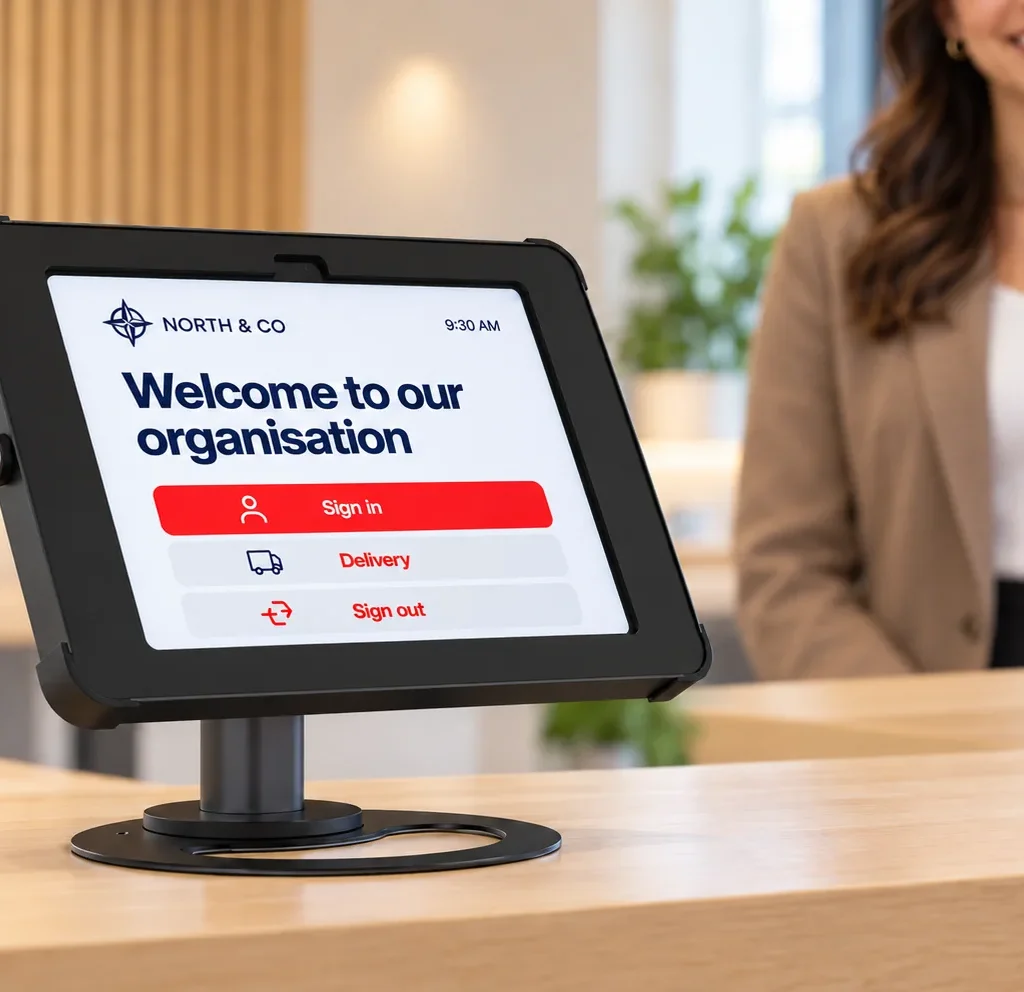
The visitor completes check-in at a kiosk, through a supported mobile or QR-code process, or with help from reception. Make instructions easy to follow, and provide assistance for people who cannot use the self-service option.
4. Notify the host and explain the next step
Tell the right employee that their guest has arrived. The visitor should also know whether to wait, collect a badge or speak to a staff member. Decide who handles arrivals when the host is unavailable.
5. Record departure
A sign-out step completes the record. Agree how staff will handle missed departures: an arrival list is only useful when it reflects the process people actually follow.
What information should a visitor registration form include?
Use a short core form, then add questions for particular visit types rather than showing every question to every person.
- Visitor name: identify the person arriving.
- Host or department: direct the arrival to the right team.
- Visit purpose: distinguish a meeting, delivery or other visit.
- Arrival and departure: record the timing of the visit.
- Contact details: collect only what is needed for the visit.
- Site-specific requirements: add relevant acknowledgements or document requests where justified.
Explain how visitor information will be used, who can access it and how long it will be kept. Review these choices with the person responsible for privacy in your organisation. Software features alone do not establish legal compliance.
What to look for when comparing visitor registration software
Test a realistic visit rather than judging a product only by a feature list.
- Visitor experience: can a first-time guest complete registration without help?
- Flexible forms: can different visitor types follow different steps?
- Expected and unexpected arrivals: can the team handle both pre-registered guests and walk-ins?
- Host notifications: which channels are supported, and what happens if the host is away?
- Records and permissions: who can see visitor details, correct records and export reports?
- Practical deployment: which devices, badge printers and connectivity arrangements are required?
- Commercial fit: which features, locations, hardware and support are included in the quoted plan?
For a wider evaluation, use Teamgo’s visitor management buyer’s guide.
How Teamgo supports visitor registration
Teamgo supports digital visitor check-in, pre-registration, host notifications, visitor badges and visit history. Visitors can use supported tablet kiosks or QR-code check-in, with options determined by your setup. Explore the Visitor Management Core capabilities and confirm feature availability for your chosen plan.
For more specific requirements, custom sign-in workflows let organisations tailor the questions and steps used for different visitor types. Keep those workflows proportionate to the visit rather than collecting every available field.
Teamgo’s pre-registration guide explains how authorised users can prepare visits in advance, request information and use an expected-arrivals list. Pre-registered guests can use an invitation QR code at a tablet kiosk, or staff can manage arrival from the dashboard.
Frequently asked questions
Can visitors register without an invitation?
A visitor registration process should include walk-in arrivals as well as invited guests. Teamgo supports walk-in check-in alongside pre-registration; configure the available routes around your workplace’s requirements.
Is a QR code required?
No. QR codes are one option. Depending on the setup, visitors can use a tablet kiosk or receive assistance from staff. Choose the method that fits your reception and visitor needs.
Is visitor registration the same as access control?
No. Recording a visit does not, by itself, unlock a door or authorise entry. Check any access-control integration and approval requirements separately.
Can registration records support an emergency procedure?
Arrival and departure records can help staff understand who may be on site. They should be used within a tested emergency procedure, with a way to account for missed sign-outs or people who did not register.
See the workflow at your workplace
Bring an example of your current visitor form and arrival process to a Teamgo demonstration, or try Teamgo. Test an invited guest, a walk-in and a completed departure to see how the workflow fits your team.