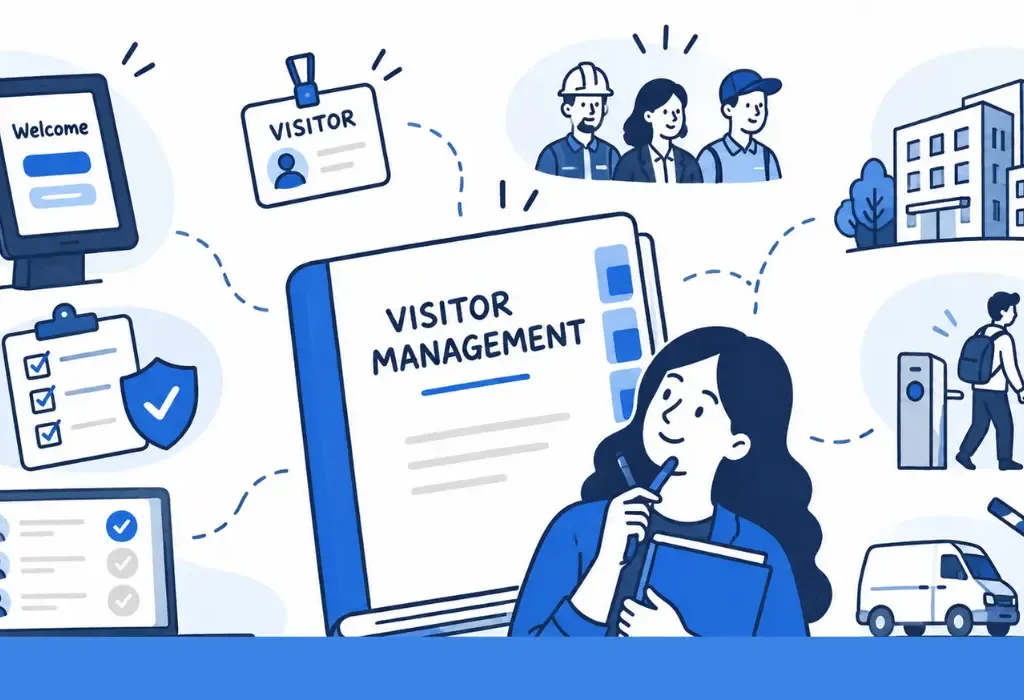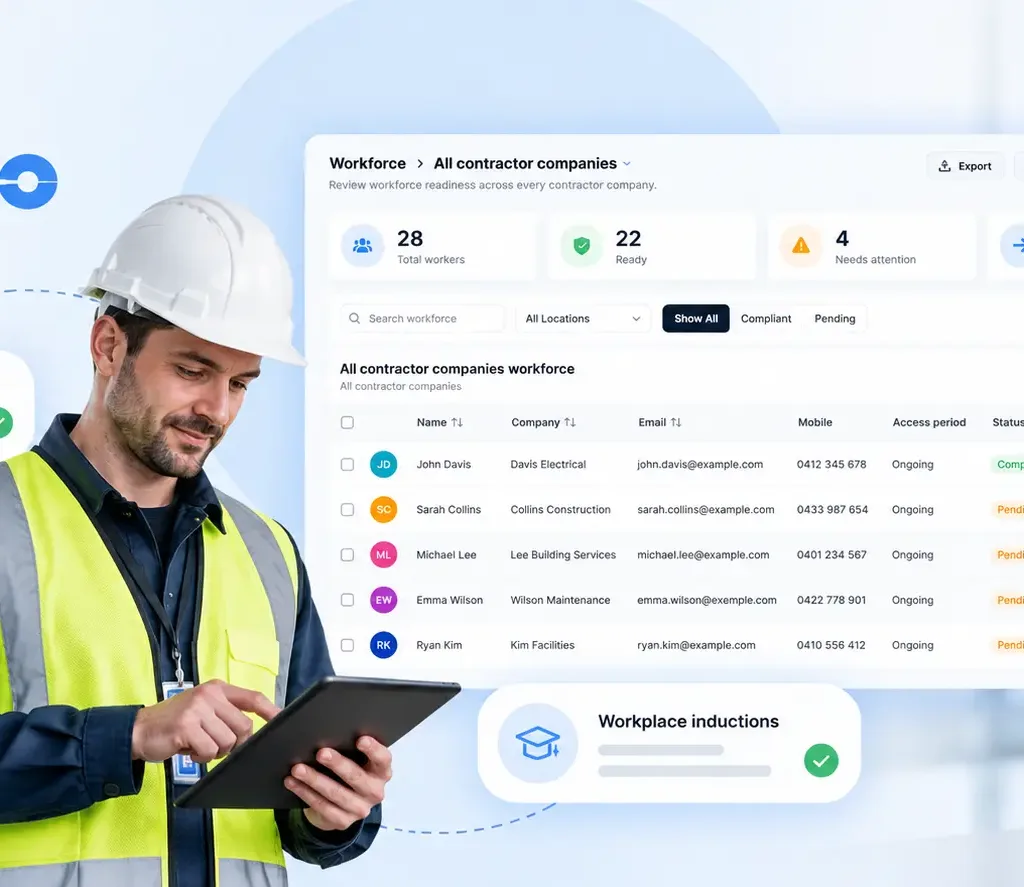
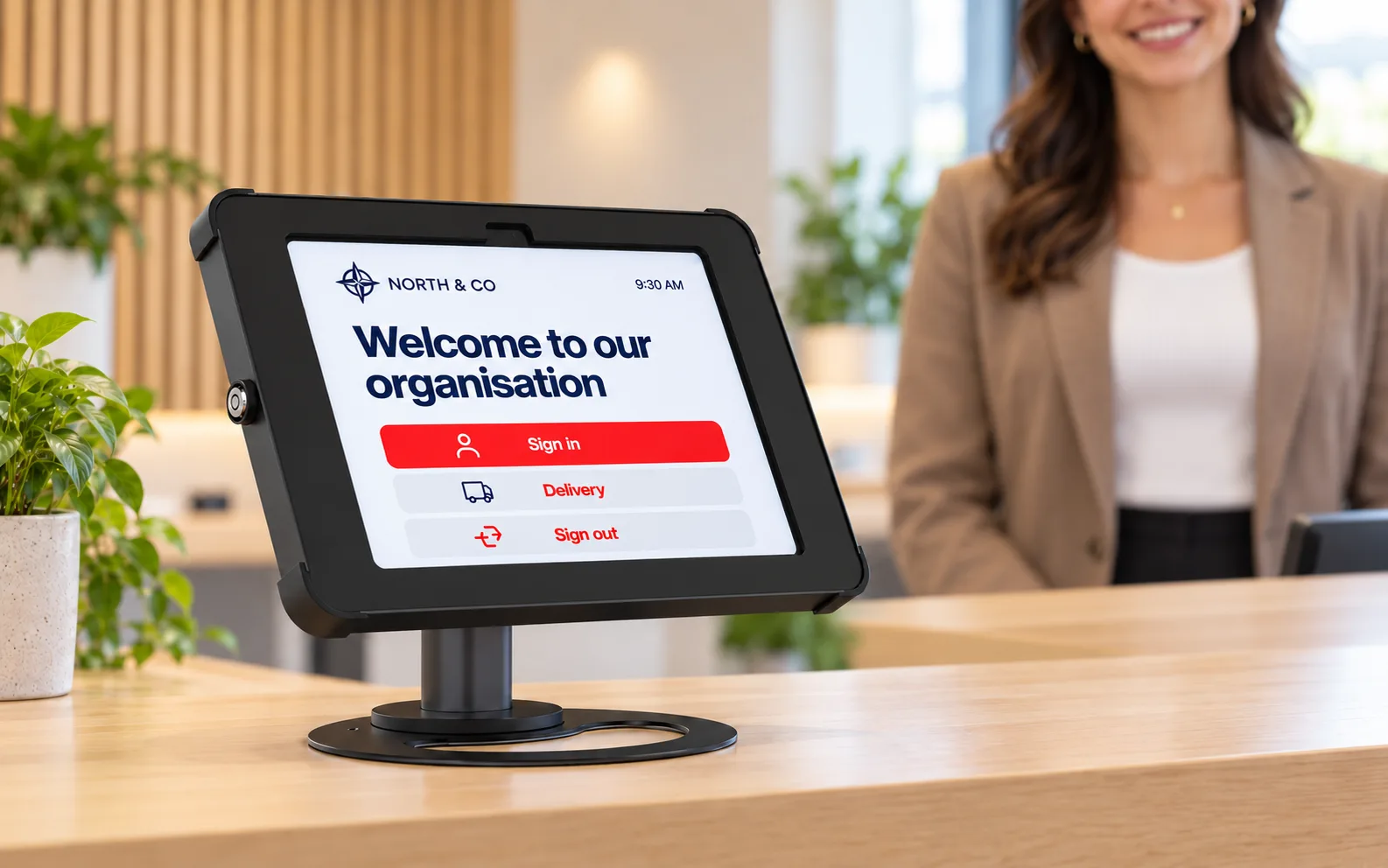
2027 isn’t here yet, but preparing for the new year starts now. Choosing visitor management software takes time: you need to compare options, plan your budget and give your team room to test the right setup. This guide is designed to help you build your 2027 shortlist using product information reviewed in November 2026.
A visitor management system should make life easier at the front desk. Guests need a clear welcome, hosts need to know when someone arrives, and your team needs useful records after the visit. The right system should handle those everyday jobs without turning reception into another IT project.
But the “best” system depends on your workplace. A shared office, a school and a contractor-heavy industrial site can have very different needs. This guide reviews 10 options worth shortlisting, including Teamgo, and explains what to check before choosing one.
How we reviewed: Teamgo publishes this guide and is included first. We reviewed official vendor product information and selected pricing and support pages on 10 November 2026. This is an editorial shortlist, not a hands-on benchmark or independent rating. The suggested fits are our assessment; the order is not a performance score. Features and commercial terms should be confirmed with each vendor.
The 10 systems at a glance
Use the comparison below to build a shortlist around your actual reception and workplace requirements.
| System | Consider it for | Check before buying |
|---|---|---|
| Teamgo | Connected visitor and workplace management | Match the subscription and optional products to your sites. |
| Envoy Visitors | Enterprise visitor workflows and a broader workplace platform | Review the complete product mix and pricing terms. |
| Sign In App | Visitor and employee sign-in with safety workflows | Confirm the proposed product and migration path. |
| VisitorOS by FacilityOS | Facilities with more involved visitor-screening requirements | Scope visitor management separately from other facility modules. |
| Eptura Visitor | Multi-location organisations evaluating workplace integration | Confirm integration scope, rollout effort and the current product. |
| Sine by Honeywell Technologies | Sites managing visitors and contractor processes together | Separate everyday visitor needs from contractor requirements. |
| Vizito | Workplaces prioritising reception sign-in and multilingual access | Compare monthly visit allowances and identity-integration tiers. |
| Visitly | Security and IT teams comparing visitor controls | Map required controls to the quoted plan and add-ons. |
| deskbird Visitor Management | Hybrid offices connecting visits with workplace scheduling | Confirm office licences and the booking workflows you need. |
| Verkada Guest | Visitor management connected to physical security | Scope the required hardware, licences and regional features. |
What makes a visitor management system worth buying?
Start with the arrival process you want, then work backwards to the technology. A good-looking kiosk is only one part of the picture.
- A practical welcome: invited and walk-in visitors can complete the right steps, including host selection, required questions and any documents.
- Useful notifications: hosts receive arrival messages through a channel they actually monitor.
- Reliable records: your team can review visits, record departures and find the information needed for follow-up.
- A fit for your environment: device compatibility, location management, integrations and data-handling settings suit the way your organisation works.
- A clear total cost: the proposal covers subscriptions, hardware, messaging, onboarding, integrations and the products you intend to use.
1. Teamgo
A useful fit for: Connected visitor and workplace management.
Teamgo is our pick for organisations that want visitor management to connect with the rest of the workplace. The core platform covers digital visitor sign-in, host notifications, badge printing and visitor records, with kiosk and QR-code options for different arrival processes.
Make the welcome your own: Teamgo’s workflow designer lets you create different sign-in journeys for visitors, employees, contractors and deliveries, with the questions, forms and acknowledgements each group needs. The kiosk designer lets you customise logos, colours, backgrounds, button labels and screen layouts, so your reception reflects your brand rather than a one-size-fits-all sign-in screen.
Its wider product range includes Contractor Management, Room Booking, Desk Booking, Asset Booking and Broadcast Messaging. That makes it worth shortlisting when your reception project is also the start of a broader workplace-management rollout. You can explore the products and solutions by industry before deciding what to combine.
Our take: start with a real visitor workflow, then add the workplace products you need. Check current plans carefully: reporting, integrations and optional products vary by subscription and configuration. A visitor sign-in requirement and a contractor-compliance requirement deserve different demonstrations.
Official source: Teamgo product information.
2. Envoy Visitors
A useful fit for: Enterprise visitor workflows and a broader workplace platform.
Envoy Visitors brings invitations, check-in, document signing and host notifications into a visitor workflow. Its published product information places particular emphasis on security processes, visitor visibility and records that teams can use during audits.
Our take: include Envoy when you are evaluating visitor management alongside a broader workplace platform. Ask the vendor to demonstrate your specific approval and screening process, rather than relying on a standard lobby walkthrough.
Buying check: the pricing page separates Visitors from other workplace products and includes plan conditions. Compare the full proposed package, contract period and any platform fees before deciding what it will cost across your locations.
Official source: Envoy Visitors product information.
3. Sign In App
A useful fit for: Visitor and employee sign-in with safety workflows.
Sign In App combines visitor sign-in with tools for employees and workplace safety. Its published feature range includes pre-registration, badges, questionnaires, mobile sign-in and evacuation management, alongside integrations and workplace-booking options.
Our take: it is worth a look when reception, staff attendance and evacuation processes are being reviewed together. Have reception and facilities staff join the same demonstration so the proposed setup works for both teams.
Buying check: SwipedOn’s official site now says it is part of Sign In App. Buyers comparing an older SwipedOn quote should confirm which product, features and migration arrangements are being offered. Review the current plans for your sites.
Official source: Sign In App product information.
4. VisitorOS by FacilityOS
A useful fit for: Facilities with more involved visitor-screening requirements.
VisitorOS is FacilityOS’s visitor-management product. Its published capabilities include pre-registration, iPad-kiosk check-in, badges, document signing, ID scanning and watchlist screening, with visitor logs and reporting.
Our take: shortlist it when your visitor process needs more than a guest name and host notification. A useful demonstration should show what happens when a visitor needs approval, has incomplete paperwork or triggers a screening rule.
Buying check: clarify which capabilities are part of VisitorOS and which require other FacilityOS products. If you know the business as iLobby, note that ilobby.com now redirects to FacilityOS. Use the current product names when requesting a proposal.
Official source: VisitorOS by FacilityOS product information.
5. Eptura Visitor
A useful fit for: Multi-location organisations evaluating workplace integration.
Eptura Visitor, formerly Proxyclick, is part of Eptura’s workplace platform. The vendor describes support for pre-registration, kiosk and mobile check-in, access control and visitor reporting, with central configuration across locations.
Our take: consider it when visitor management is part of a larger workplace or property-system programme. Bring your IT and security requirements to the discussion early, particularly where visitor approvals need to connect with existing building systems.
Buying check: ask for a scoped implementation plan covering the integrations, locations and administrator roles you need. An existing Proxyclick reference or quote should be checked against Eptura’s current product and commercial terms.
Official source: Eptura Visitor product information.
6. Sine by Honeywell Technologies
A useful fit for: Sites managing visitors and contractor processes together.
Sine combines visitor and contractor management. Its published offering covers pre-registration, iPad check-in, badge printing and onsite visibility, alongside contractor onboarding, inductions, permits and document-related processes.
Our take: it is a relevant option for operational sites where a short guest visit and a contractor’s workday follow different rules. Ask for both journeys to be demonstrated; a polished visitor check-in alone will not tell you how the contractor process behaves.
Buying check: list the contractor approvals and documents you actually require, then have the proposed package mapped to that list. Confirm the setup, integrations and support included in the offer.
Official source: Sine by Honeywell Technologies product information.
7. Vizito
A useful fit for: Workplaces prioritising reception sign-in and multilingual access.
Vizito focuses on digital visitor sign-in, host notifications, badges and configurable reception workflows. Its published product and pricing information also describes contactless sign-in, pre-registration, language options and multi-location management.
Our take: include it in a reception-focused shortlist, especially if language choice is part of the guest experience. Test the sign-in journey with the languages and visitor types your locations need.
Buying check: its plan comparison shows different registration allowances and enterprise identity options. Estimate a busy month as well as an average month, and confirm the applicable currency and billing period.
Official source: Vizito product information.
8. Visitly
A useful fit for: Security and IT teams comparing visitor controls.
Visitly presents its product around the needs of security, IT and front-desk teams. Its published offering includes visitor workflows, pre-registration, badges and documents, while its plan comparison distinguishes screening and identity-related capabilities.
Our take: shortlist it when technical and security stakeholders are closely involved in selecting the visitor system. Have them identify the exact requirements before the demo so the conversation stays focused on your deployment.
Buying check: review the current pricing and feature matrix for site limits, screening, directory connections and messaging options. Ask the vendor to show the proposed plan’s controls rather than a demonstration with every feature enabled.
Official source: Visitly product information.
9. deskbird Visitor Management
A useful fit for: Hybrid offices connecting visits with workplace scheduling.
deskbird’s visitor product sits within its workplace-management offering. Published features include visit scheduling, document signing, kiosk check-in, badge printing and host communication, with Microsoft workplace integrations.
Our take: it is worth evaluating when guest visits need to fit into a hybrid-office experience. Ask to see an employee organising a meeting, inviting guests and managing their arrival through the actual workflow you plan to use.
Buying check: deskbird’s visitor-management documentation explains office-level visitor licensing and workflow details. Confirm the required visitor tier and whether your preferred booking flow works on the devices your staff use.
Official source: deskbird Visitor Management product information.
10. Verkada Guest
A useful fit for: Visitor management connected to physical security.
Verkada Guest connects visitor management with Verkada’s physical-security ecosystem. Its published capabilities include configurable check-in flows, document collection, host notifications, visitor screening and temporary access credentials, with native security-system integration.
Our take: it is a relevant choice to evaluate when visitor entry is part of a wider camera or access-control project. Include whoever manages your building security in the assessment, alongside the reception team.
Buying check: ask for a proposal that identifies all the licences, hardware and integrations required for your use case. Have the vendor confirm the availability and configuration of the specific screening or access features you want in your region.
Official source: Verkada Guest product information.
Compare the full cost, not just the headline subscription
Before comparing prices, give every vendor the same brief: how many locations you operate, how many sign-in points you need, who needs administrator access and which workflows matter. Ask for the same billing period and currency so the figures are comparable.
- List tablets, stands, printers and consumables separately from software.
- Check visit limits, host limits, messaging allowances and extra-location charges.
- Identify any separate charges for identity integration, screening, reports, onboarding or support.
- Include the optional products you need now, then ask how expansion would be priced.
- Confirm the contract term, renewal conditions and what happens to your records if you leave.
For Teamgo, use the current pricing page and request a quote for your proposed setup. Ask the same questions of every vendor you shortlist.
A practical demo checklist
Choose two or three systems and run the same realistic scenario through each. Invite the people who will use it: reception, facilities, IT and security where relevant.
- Invite a guest: check the invitation, arrival instructions and any pre-visit questions.
- Handle a walk-in: complete check-in on your intended device and see how the visitor finds their host.
- Notify the host: confirm the message reaches the right person and contains useful information.
- Issue the badge: print with your intended hardware and check the result at a realistic reception pace.
- Finish the visit: sign the person out, find the record and review the reporting available in the proposed plan.
- Try an exception: demonstrate an unavailable host, incomplete document or visit needing approval, using a safe test record.
Frequently asked questions
What is the best visitor management system for a small business?
Start with a system your team can run comfortably: clear check-in, host notifications, useful visit records and a cost that matches your location. The best fit depends on your workflow and required features. Compare a realistic setup rather than the longest feature list.
Can we use our existing tablets and badge printer?
Possibly. Ask each vendor to confirm your exact tablet model, operating system, printer and connection method. A printer working with one system does not establish compatibility with another.
Can visitor management also cover employees and contractors?
Many vendors offer related capabilities, but visitor sign-in, employee attendance and contractor workflows can have different licensing and setup requirements. In Teamgo, compare Employee Check-in and Contractor Management against the processes you need.
How should we compare privacy and security?
Ask about data hosting, retention, administrator permissions, identity integration and the documentation available for your review. Have your internal stakeholders assess the proposed configuration. Teamgo’s security information and RFP resource are useful starting points for a Teamgo evaluation.
Is the lowest subscription price always the lowest-cost option?
The overall cost depends on the software, hardware, integrations, messaging and staff effort required. Compare a complete proposal and a realistic workflow before deciding what represents value for your workplace.
Choose a better welcome for your workplace
The strongest shortlist starts with your workplace, not a league table. Decide what people need to do before arrival, at reception and when they leave. Then choose the system that handles those jobs well and gives your team room to grow.
If you want visitor sign-in to connect with your wider workplace setup, put Teamgo on that shortlist. We can walk through your visitor types, locations and workflows, and help you choose the products and plan that fit.